01 — PROJECTS
Room for more than one project.
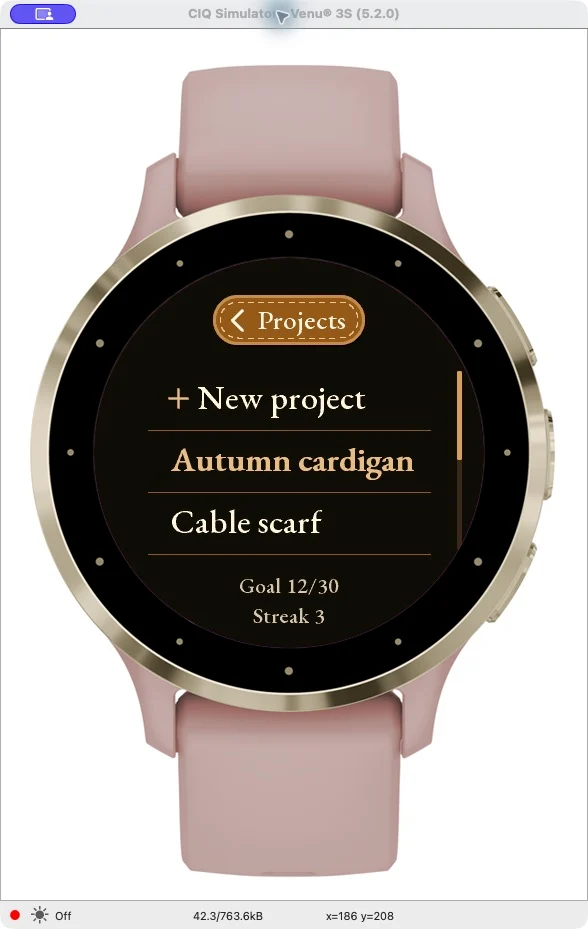
Switch between up to 25 projects. Each has its own name and row count.
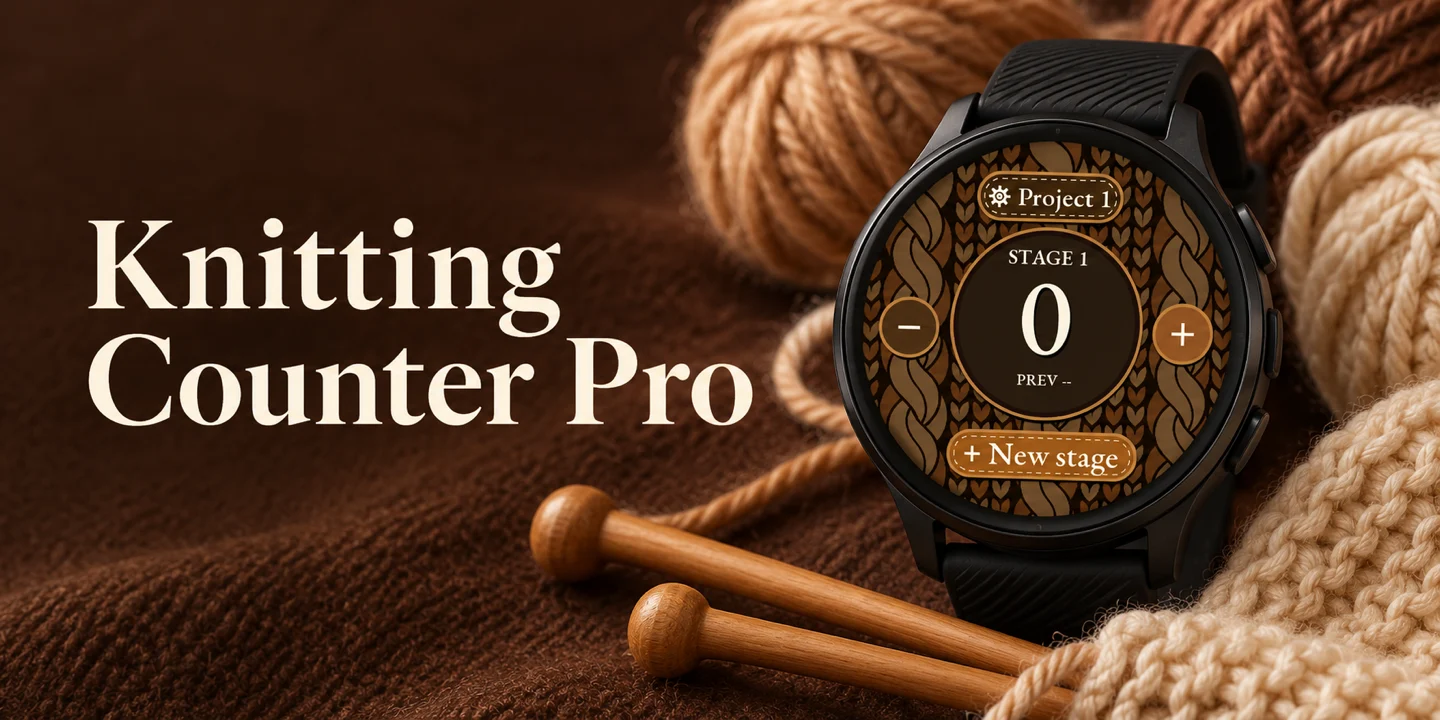
A LITTLE HELP. A LOT OF MAKING.
One more row. No reaching for your phone. Count from your wrist and pick up your project right where you left off.
Get it for GarminPaid app · Price and compatible watches in Connect IQ
01 / FIND YOUR RHYTHM
The doorbell. A sip of tea. A little break.
You don't have to remember which row you were on.
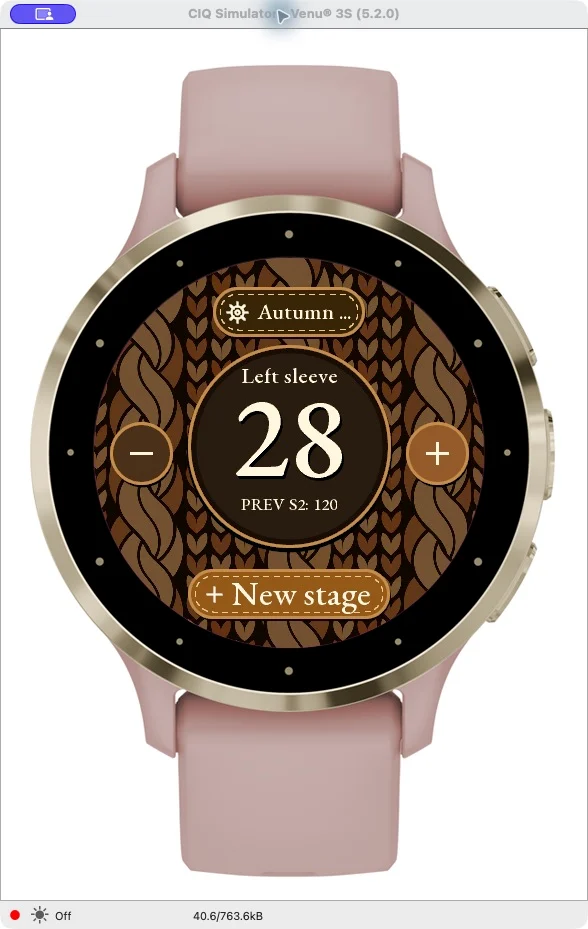
Create a project and give it a name.
Tap + to add a row. Correct a mistake with minus.
Your saved count will be there when you return.
THE ACTUAL APP
02 / EVERY STITCH IN ORDER
A sweater, a scarf, or something entirely new?
Every project deserves a place of its own.
Switch between up to 25 projects. Each has its own name and row count.
Divide your work into stages. Review the history and edit names or row counts whenever you need to.
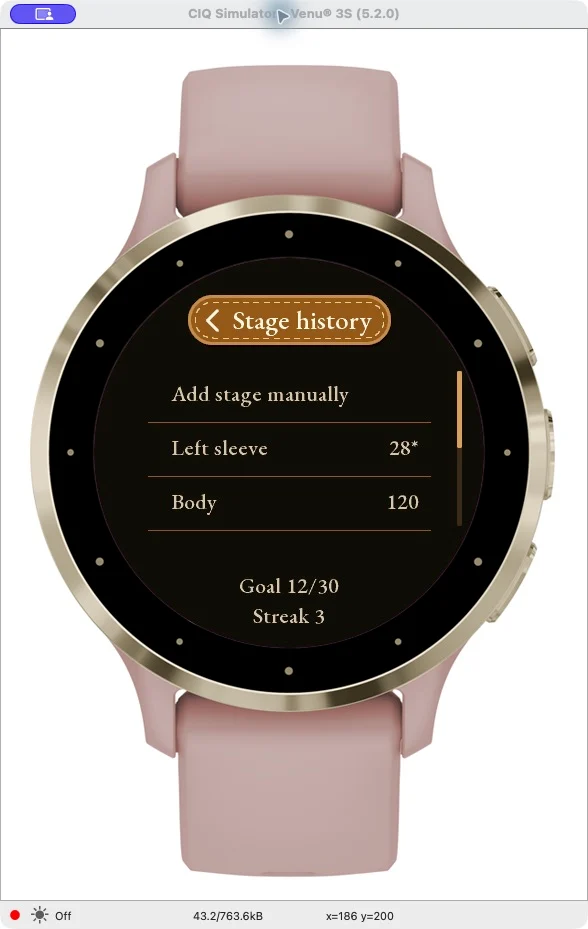
Set a daily goal. See today's progress and your streak of days reaching it.
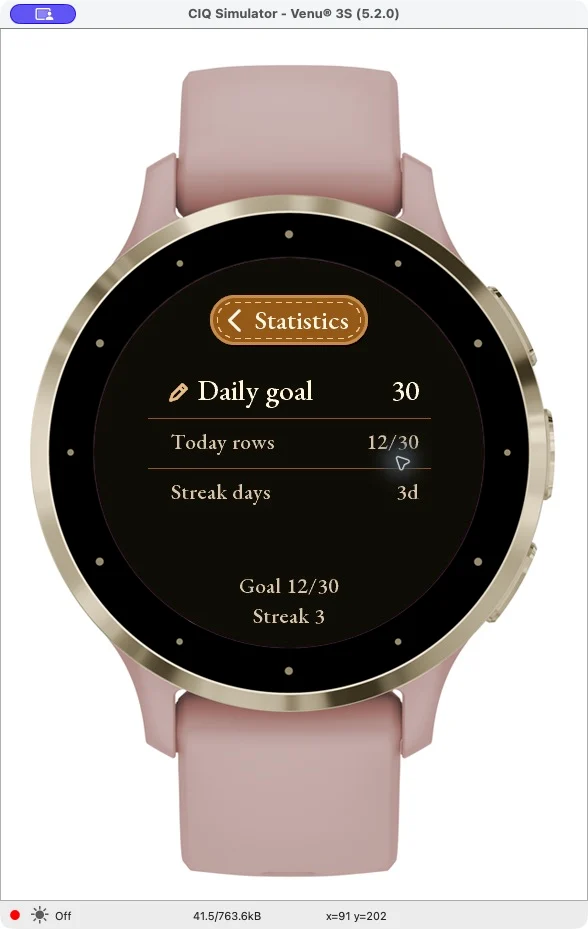
Actual Garmin app screens captured in the simulator. Appearance varies by watch model.
This is your time to create.
Not to remember numbers.
03 / FIND YOUR VERSION
Choose your platform and check availability for your watch.
A row counter for selected Garmin watches. Keep your projects, stages and progress on your wrist.
Open Connect IQPaid app. See the store for the current price.Check compatible devicesThe Apple Watch version is being prepared for public release. Count rows without a companion iPhone interface.
The Garmin version supports selected Venu, vívoactive, fēnix, epix and Forerunner models. Before buying, check Compatible Devices in Connect IQ for the current list of supported watches.
You don't need your phone or an internet connection to count rows. Projects and progress are saved locally on your watch. Purchase and installation are handled through Garmin Connect IQ.
Knitting Counter Pro is a paid app. Check Connect IQ for the current price in your currency and the purchase terms before buying. Buttons on this website open the store listing; clicking them does not charge you.
Yes. Count rows or rounds in knitting and crochet projects. Separate projects and stages help you keep your work organised. This is a counter app; it does not include a pattern library.
The watch interface is in English. You can give your projects and stages your own names.
The Apple Watch version is being prepared for public release. It requires watchOS 10 or later. There is no purchase link for this version here yet. Project data does not automatically sync between Garmin and Apple Watch.
Progress is saved locally and is available when you reopen the app. Uninstalling the app or clearing its storage may remove your projects. There is no cloud sync.
Leave the counting to your watch.
Keep the joy of making for yourself.